Home Assistant. Hi-fi feeling.
Your media room.
One tactile remote.
Control your TV, speakers, and receiver from your Apple devices. Volume, playback, and navigation together, through Home Assistant.
Requires Home Assistant. No subscription. Check your setup
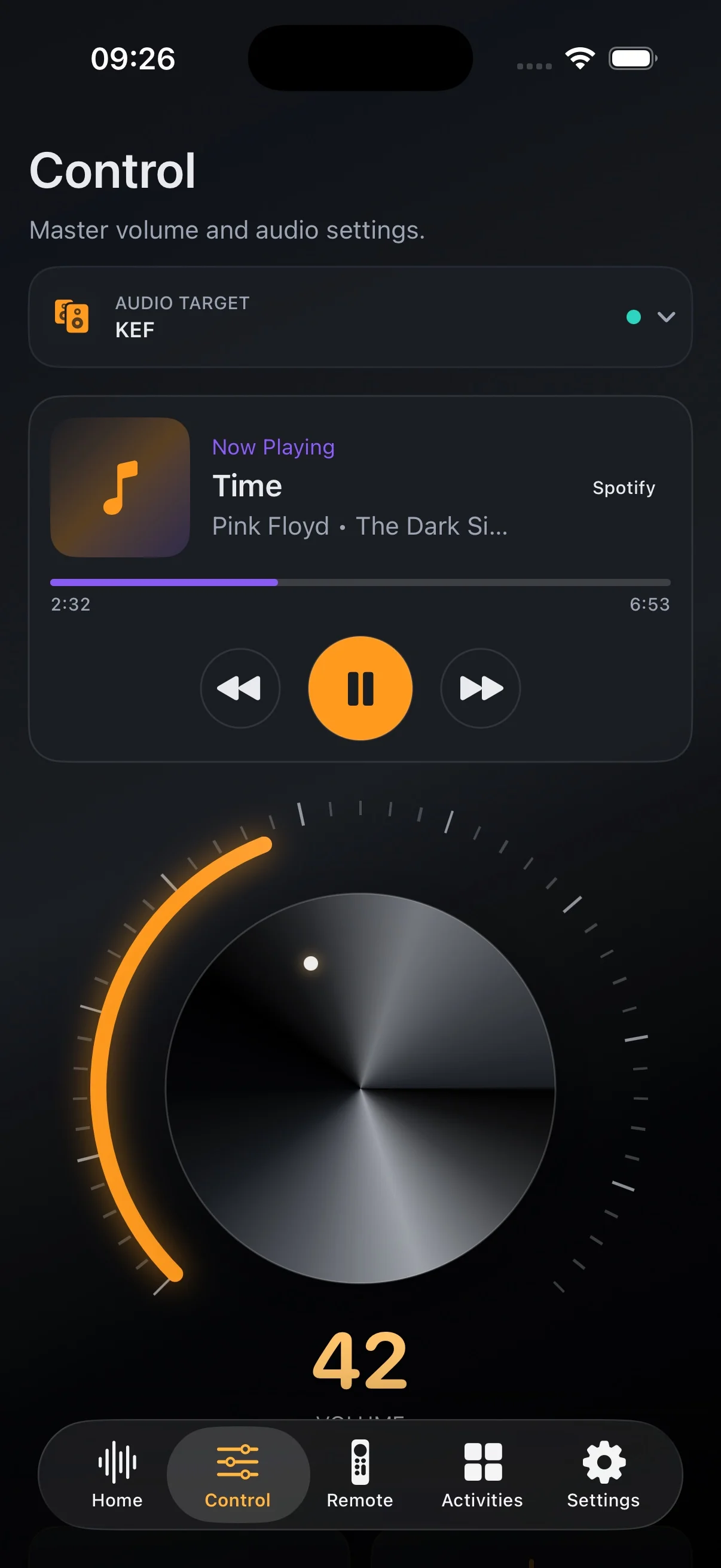
One room. Different devices.
Navigate Apple TV. Adjust the receiver.
The device on screen and the one making the sound aren't always the same. Choose where each control goes, then use them together in Tactra.
- Navigation → Apple TV
- Move through menus on the player you're watching.
- Volume → Receiver
- Adjust the device driving your speakers.
- Playback → Media player
- Send play and pause to the source that's playing.

Made for everyday listening
Less searching. More listening.
Set the volume
A large rotary control, mute, and source selection put the essentials within reach. The controls follow what your audio device supports.
Audio and input setup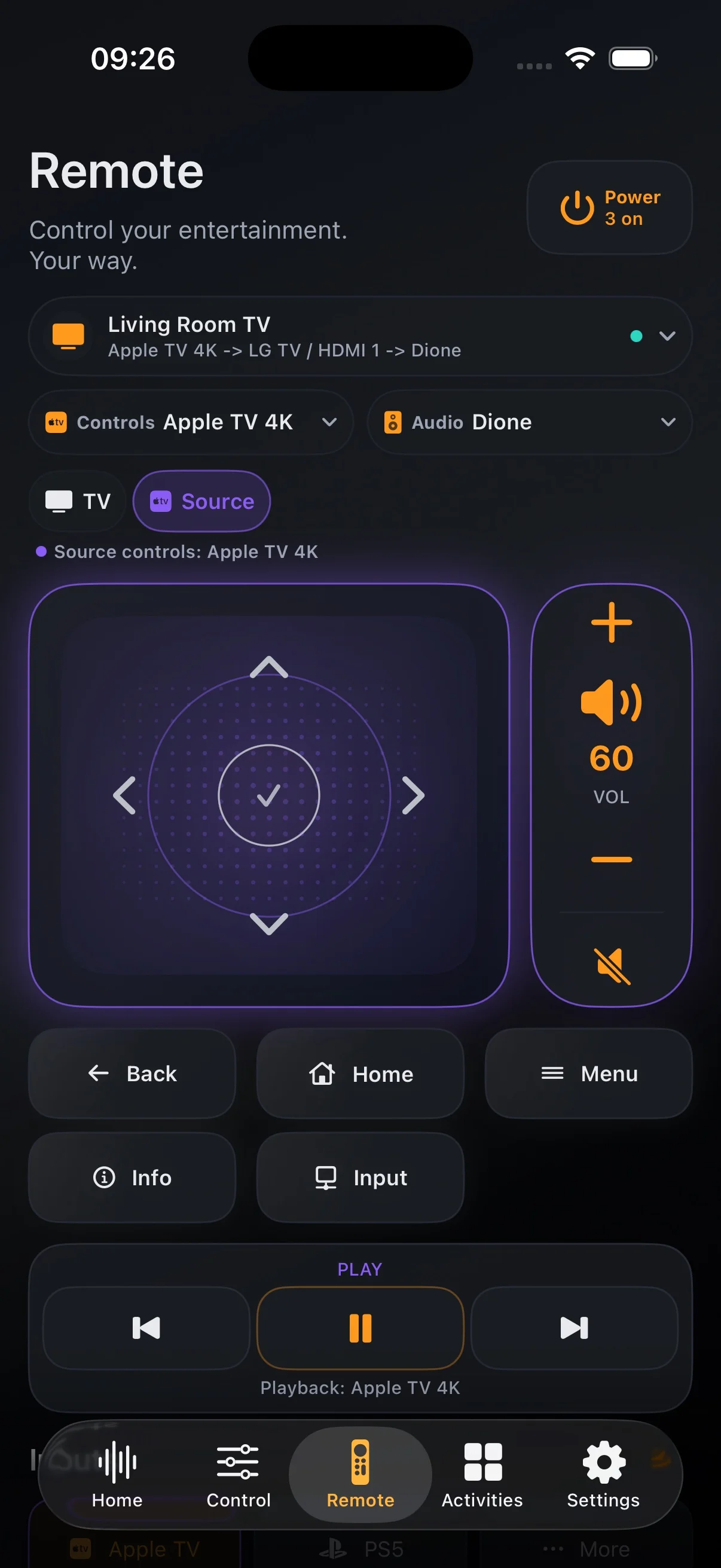
Find something to watch
Use touch navigation or a classic direction pad. Keep TV navigation and receiver volume together without sending both to the same device.
TV remote setup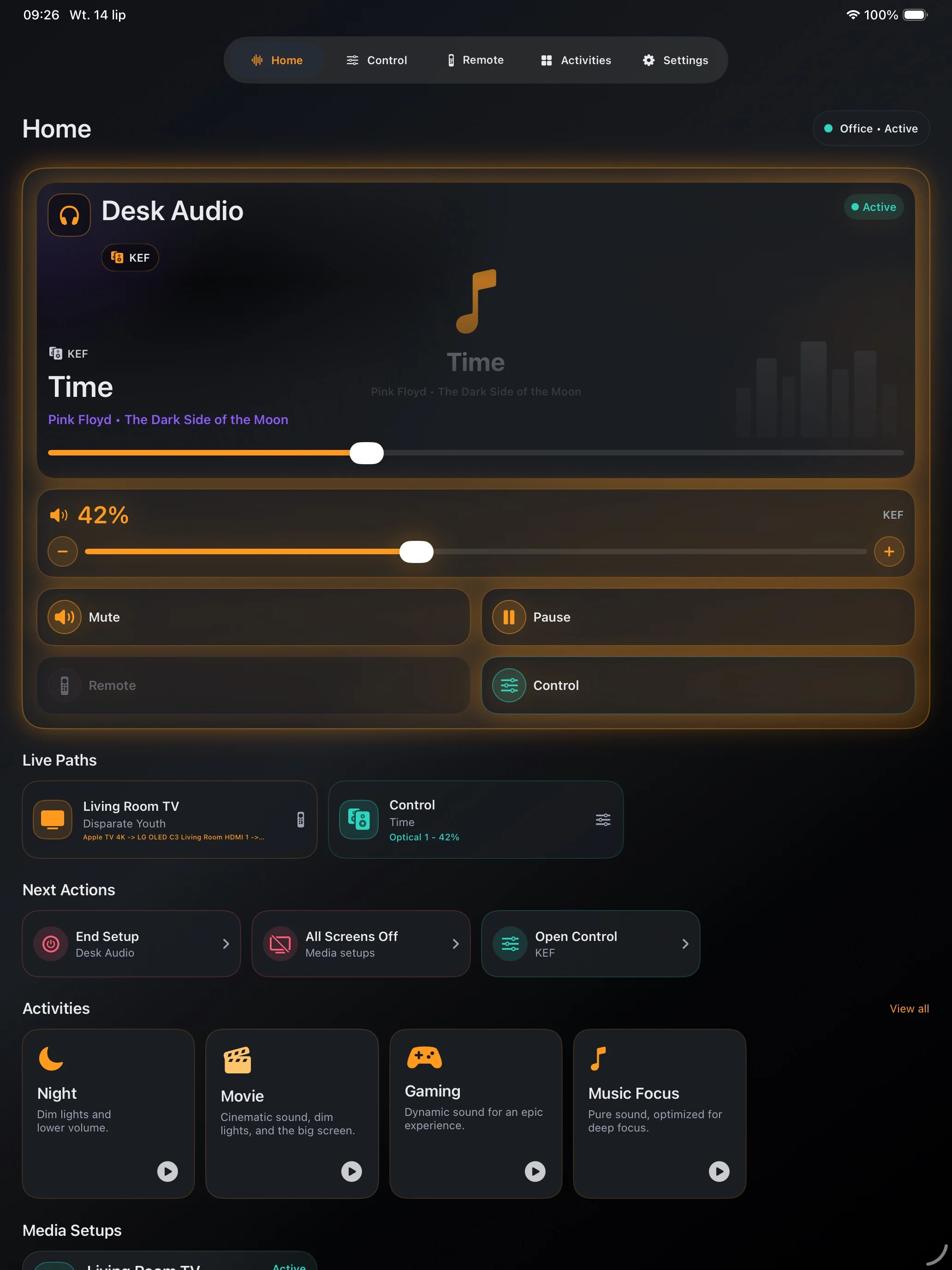
Keep a room ready
Save a Media System with the right targets and power actions. Use a Home Assistant scene or script for a startup sequence you already trust.
Create your first setupCheck before you buy
Start with what's working in Home Assistant.
Tactra uses the media players and remote controls exposed by your integrations. Check the actions you need in Home Assistant first: device support determines which controls are available.
Check compatibility- Speakers and streamers
- Receivers and amplifiers
- TVs and soundbars
- Media players with navigation support
On your Apple devices
At hand. On your wrist. At your desk.
Choose the screen that suits the moment. Set up on iPhone, iPad, or Mac; use the Watch companion with your paired iPhone for quick controls.
iPhone
Volume, playback, and a TV remote within reach.
iPad
Room for your audio controls on the table beside you.
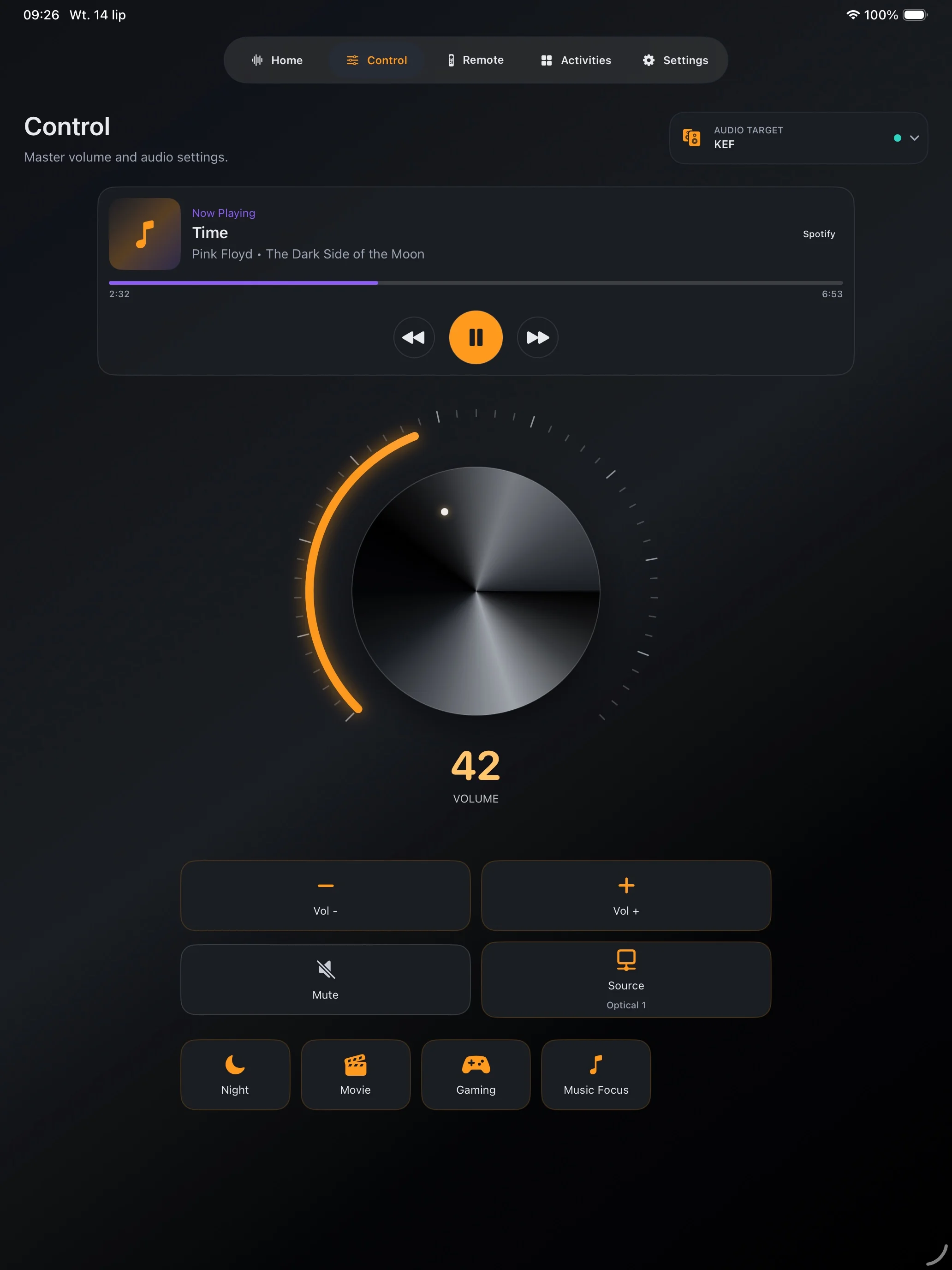
Mac
Control the room from a native desktop window.
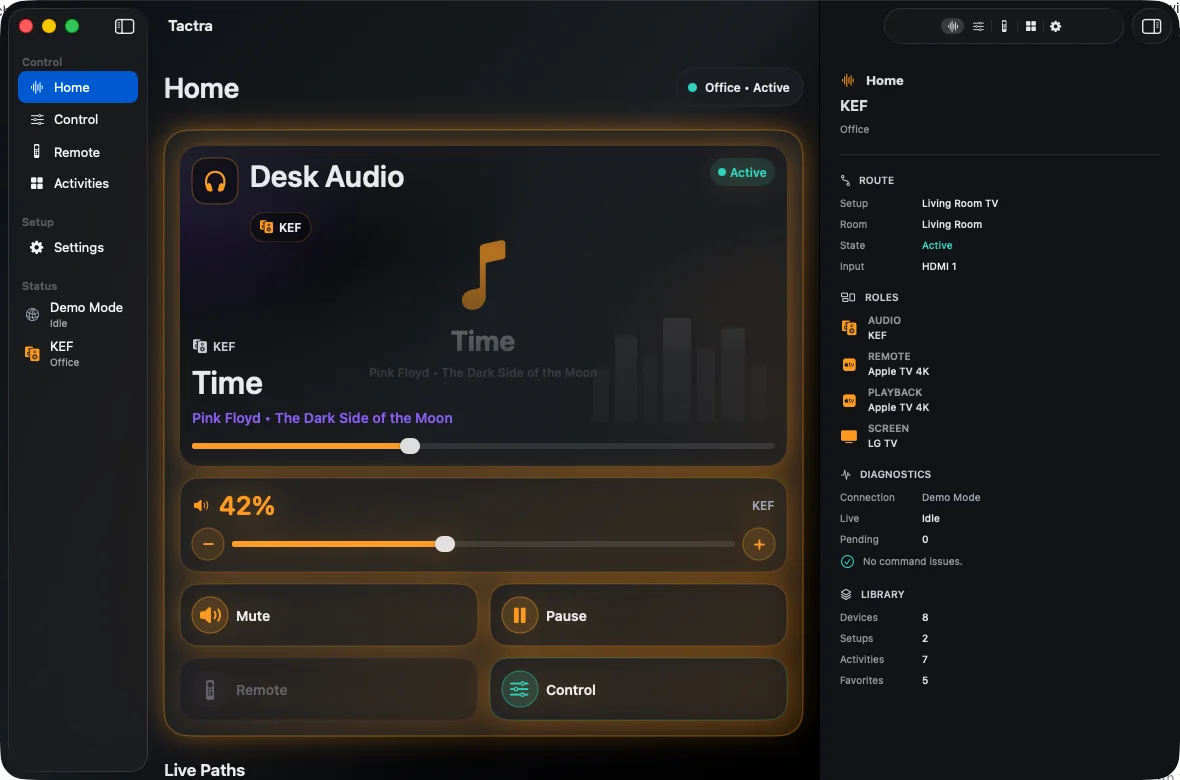
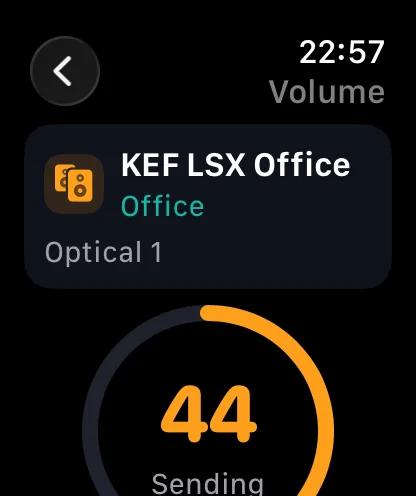
Apple Watch
Adjust volume from your wrist through the paired iPhone.
Screenshots show the English interface. Device and media names come from your setup.
Your first working remote
Connect. Choose. Press play.
Connect Home Assistant
Use your server address and sign in with your Home Assistant account.
Choose the devices
Assign navigation, audio, and playback to the devices in your room.
Try a familiar control
Start with volume or playback. Check the result on the device, then save the setup.
Your home stays yours
No Tactra account. Your own connection.
Tactra connects to your Home Assistant server. Connection tokens live in Apple Keychain. Optional Apple sync and Shared Homes use iCloud; Tactra does not operate a cloud service for your home.
Privacy
One purchase. No subscription.
Home Assistant media control on iPhone, iPad, Mac, and the Apple Watch companion. The App Store shows the price for your region.
Requires iOS or iPadOS 17+, macOS 14+, or watchOS 10+ with a paired iPhone. Controls depend on your Home Assistant integrations.
